
Your picture, stitched.
Picture in, stitch file out. See exactly how it stitches before you pay.
JPG, PNG or WebP · up to 15 MB
Already have a stitch file?
- Free preview. Pay only when you like it.
- All file formats included. No subscription, no account.
- Doesn’t stitch out cleanly? We fix the file or refund you.
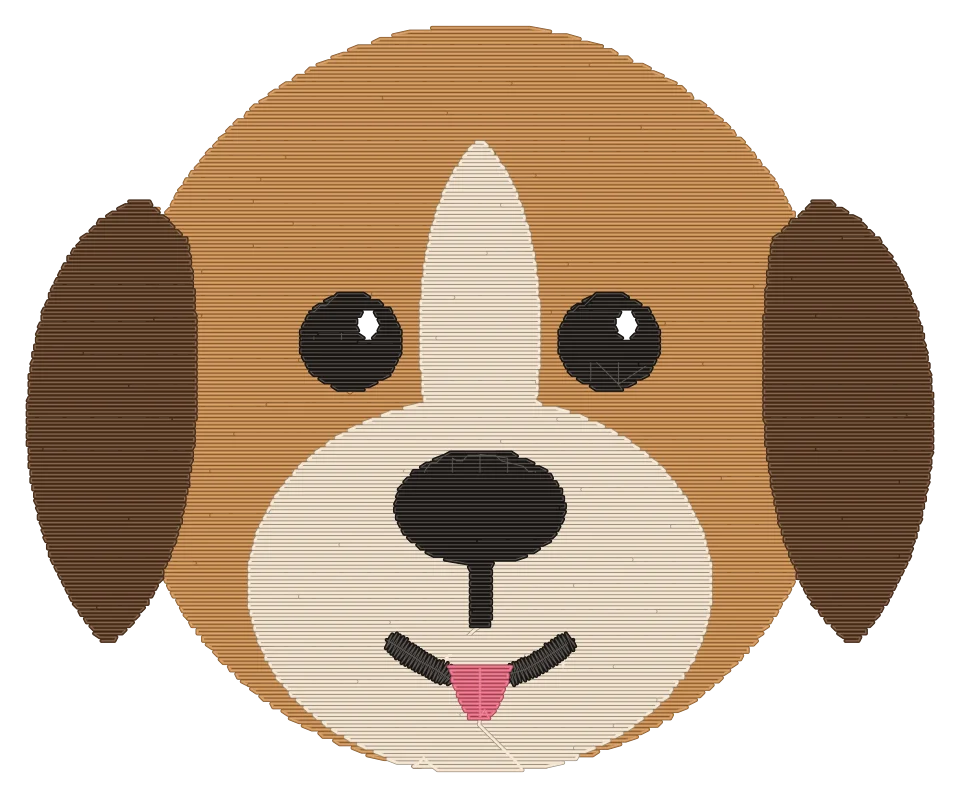
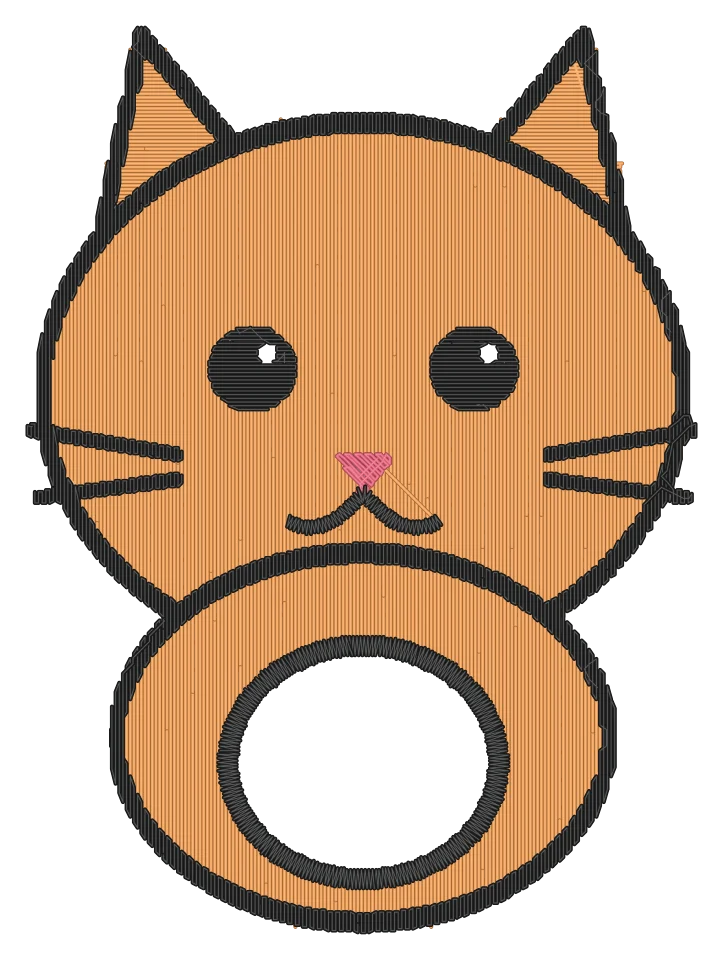
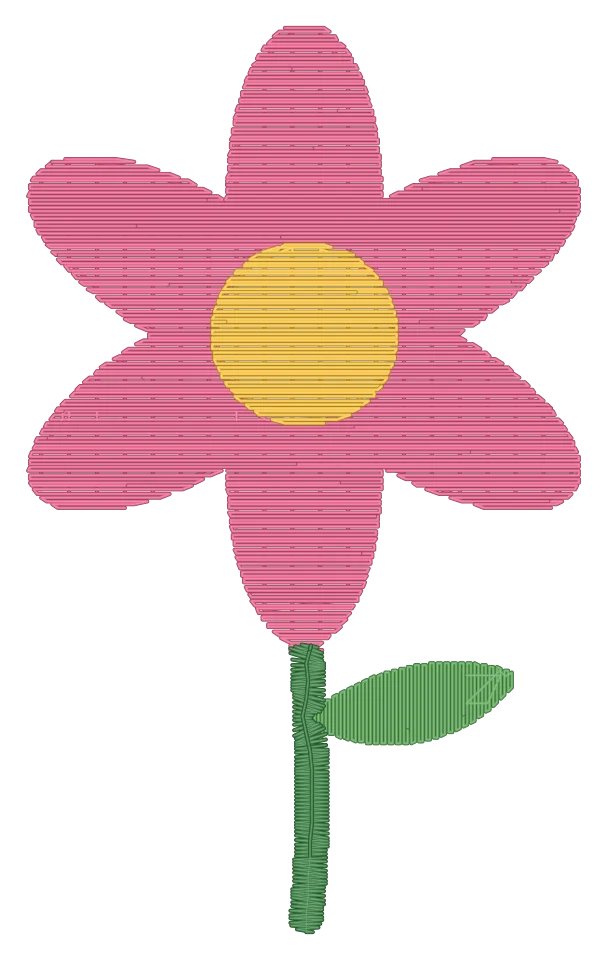
How it works
- 1
Choose a picture
A photo, a drawing, a logo or a name. Clear shapes and plain backgrounds stitch best.
- 2
See it stitched
We draw every single stitch. Change the size, colors or fabric until you like it.
- 3
Download for your machine
Pay once and get the file for your machine. Every format is included.
Pictures people stitch
- Pet portrait
Your picture Stitched - Child’s drawing
Your picture 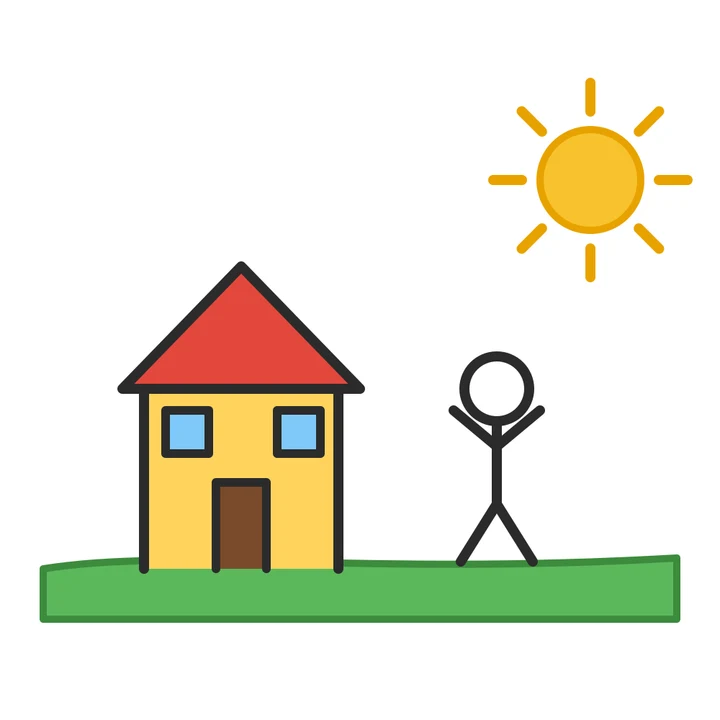
Stitched 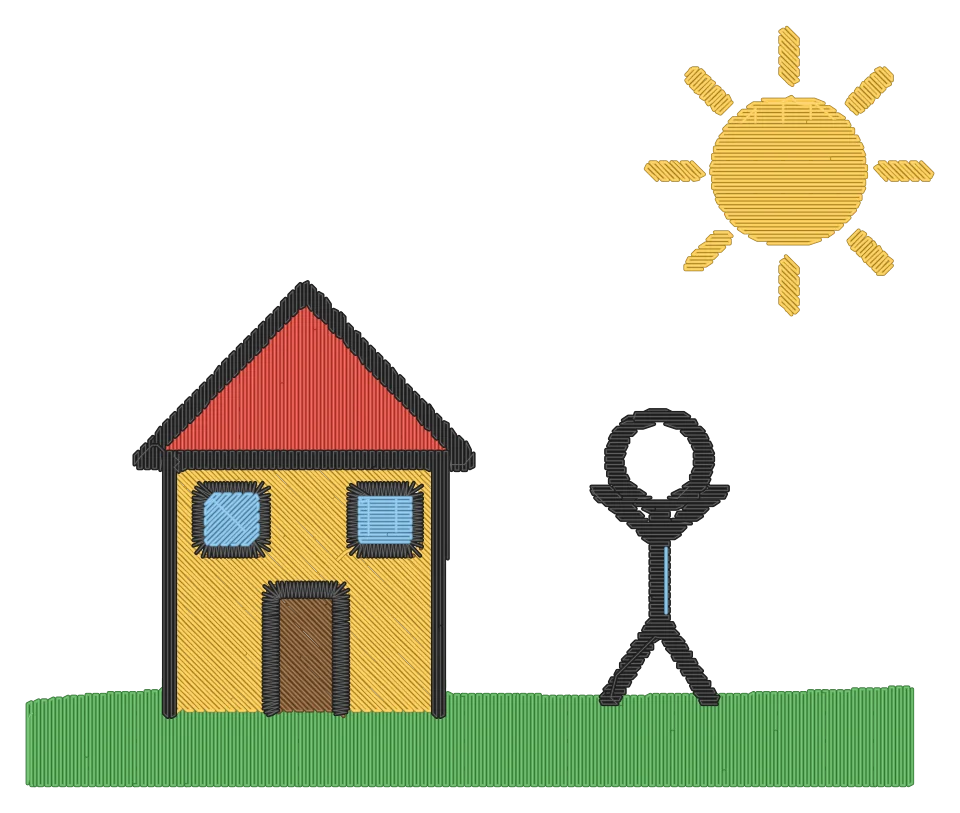
- Name lettering
Your picture 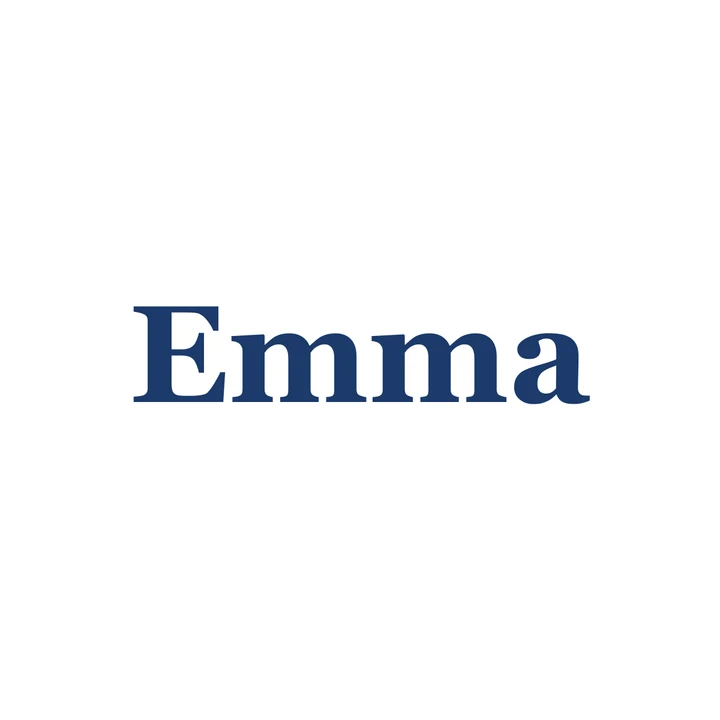
Stitched 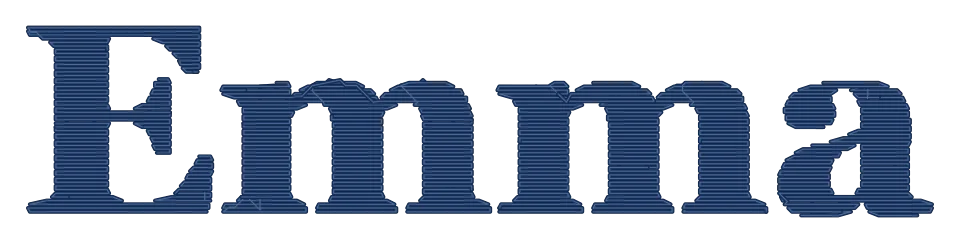
- Logo
Your picture 
Stitched 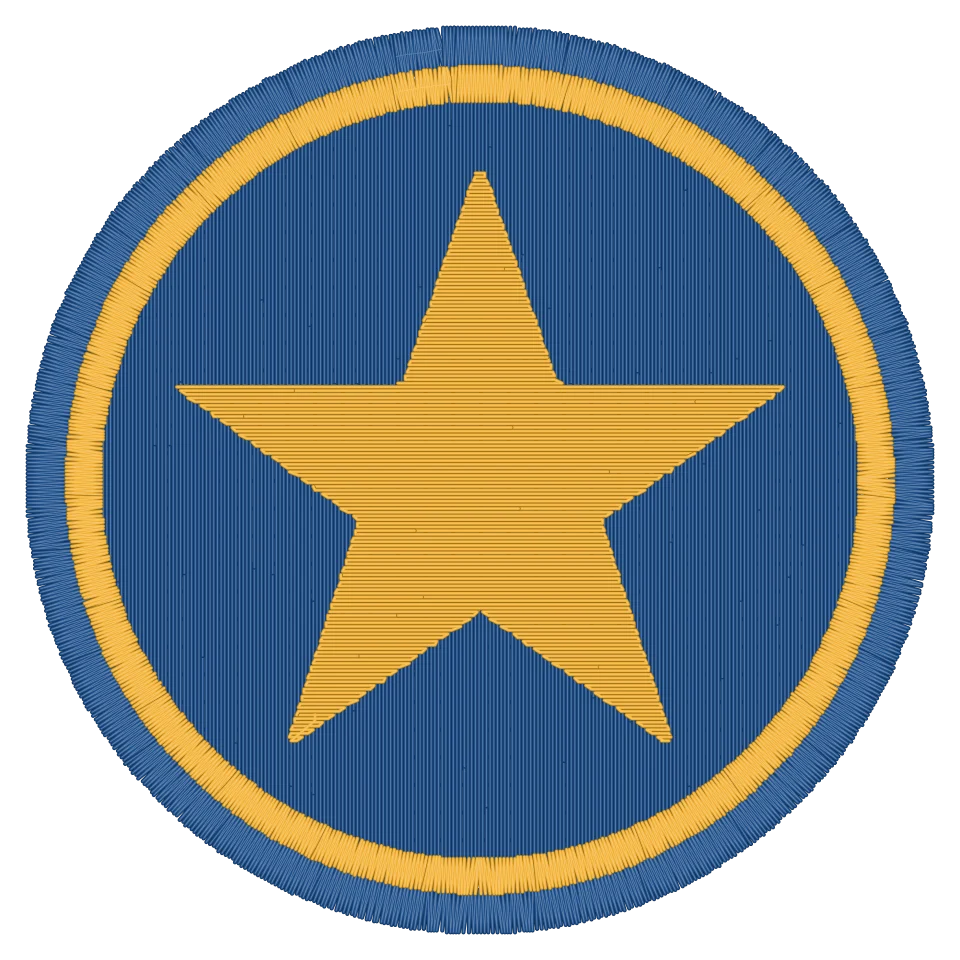
- Flower
Your picture Stitched - Cartoon
Your picture Stitched
Works with your machine
Every purchase includes every format.
- Brother
- PES
- Baby Lock
- PES
- Janome
- JEF
- Bernina
- EXP
- Pfaff
- VP3
- Husqvarna Viking
- VP3
- Singer
- XXX
- Almost every other machine
- DST
One price. No subscription.
$4.99 per design
- All six machine formats
- Unlimited downloads for 30 days
- Thread colors with Brother and Janome names
- No subscription, no account
Doesn’t stitch out cleanly? Send us a photo of the result within 14 days: we fix the file or refund the full price.
Questions
Which machines does it work with?
Every home embroidery machine that reads PES (Brother, Baby Lock, Bernette), JEF (Janome, Elna), EXP (Bernina), VP3 (Husqvarna Viking, Pfaff), XXX (Singer) or DST (almost all machines and software).
What does it cost?
$4.99 per design, with every machine format included. The stitched preview is free, there is no subscription and no account. Opening and converting stitch files you already have is free too.
Will it look exactly like the preview?
Very close. The preview is drawn from exactly the stitches in your file. Real thread looks a little softer, and the fabric can pull slightly, so use a stabilizer as you normally would.
Which pictures work best?
Clear shapes with few colors: drawings, cartoons, logos, names and pets on a plain background. Busy photos become large designs with many stitches.
How do I get the file onto my machine?
Copy it to a USB stick and plug it into your machine, or send it with your machine maker’s app or a cable. The download page explains each way.
What if it doesn’t stitch out well?
Send us a photo of the stitched design (the whole design, clearly visible) within 14 days and tell us your machine, the format, fabric and stabilizer. If the file is the cause, you get a corrected file, and if that doesn’t help, your money back. Not covered: a result that matches the preview but isn’t to your taste, problems from machine setup or materials, and designs resized or edited on the machine.
Can I convert an embroidery file I already have?
Yes, for free: open PES, PEC, JEF, EXP, DST, VP3 or XXX files, see every stitch and download them in any other format. It runs in your browser, so your file is never uploaded.
Do I need an account?
No. You pay once per design and get a download link that works for 30 days.
What happens to my picture?
It is only used to make your design. We store it encrypted and delete it after 30 days.
Can I sell what I stitch?
Yes, if you own the rights to the picture. Please don’t use logos or characters that belong to someone else.
Free stitch file viewer and converter
Already have a design? Open PES, JEF, DST, EXP, VP3 or XXX files, see every stitch and convert them to the format your machine reads. Free, no account, nothing uploaded.